News
Site Editor
 Site
/uploads/image/6307135a29359.png
To help users understand the best way to expand their device, this guide explains two main upgrade methods: using a MicroSD card and replacing the internal SSD. With this information, you can choose the option that fits your needs and enjoy a smoother gaming experience.
Site
/uploads/image/6307135a29359.png
To help users understand the best way to expand their device, this guide explains two main upgrade methods: using a MicroSD card and replacing the internal SSD. With this information, you can choose the option that fits your needs and enjoy a smoother gaming experience.
ROG Xbox Ally Storage Upgrade Guide: MicroSD vs SSD and How to Expand Your Space Safely
Views: 6028
Author: Site Editor
Publish Time: 2025-12-30
Origin: Site
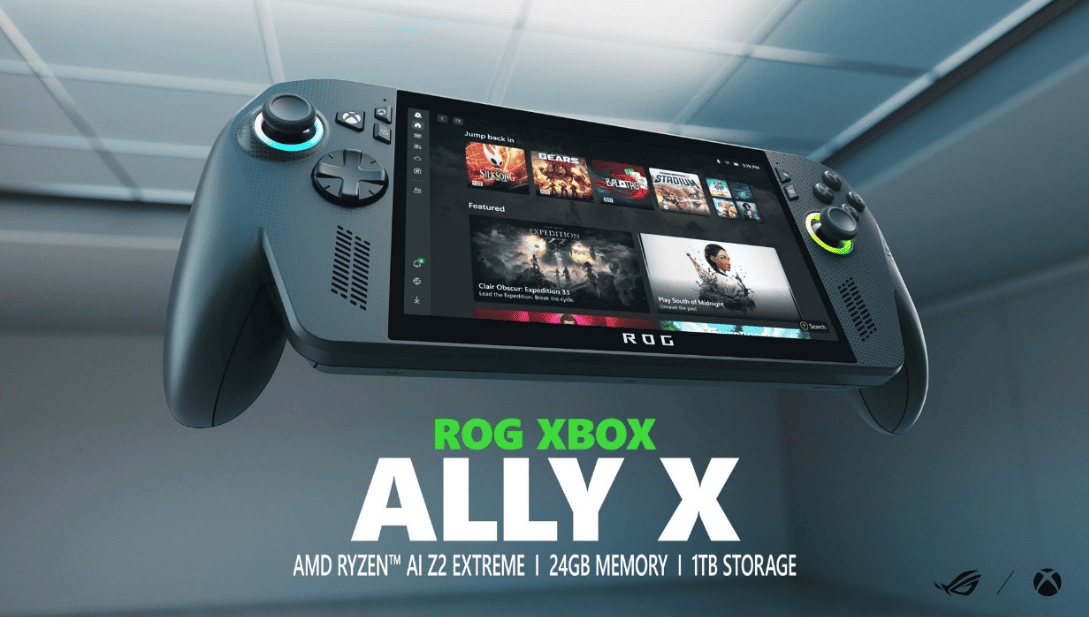
As modern games become larger and visually richer, handheld devices need more storage than ever before. The ROG Xbox Ally and Ally X both offer fast and responsive performance out of the box, but their default storage may not be enough for players who want to install many big titles at the same time. To help users understand the best way to expand their device, this guide explains two main upgrade methods: using a MicroSD card and replacing the internal SSD. With this information, you can choose the option that fits your needs and enjoy a smoother gaming experience.
Two Ways to Expand Storage: MicroSD Card or Internal SSD
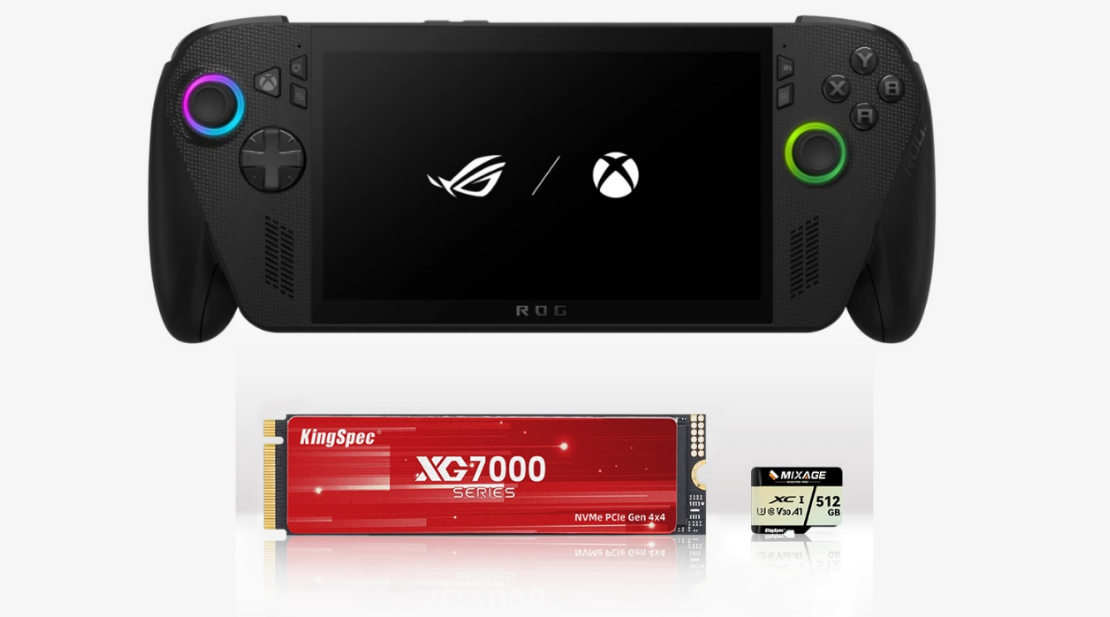
Before comparing the details, it is important to understand the basic difference between these two upgrade paths. The first option is the MicroSD card, which allows you to expand storage without opening the device. The second option is replacing the M.2 2280 NVMe SSD, which gives you more capacity and higher speed but requires you to open the handheld.
Both choices work well for the Xbox Ally series, but they meet different gaming needs. This makes it easier to pick the method that fits your playstyle and budget.
Expanding with a MicroSD Card: Simple, Safe, and Budget-Friendly
For users who want an easy upgrade, the MicroSD card is the most convenient option. The Xbox Ally has a MicroSD slot at the top of the device, so you only need to insert the card, format it, and select it as your storage drive. This process is fast, safe, and beginner-friendly, which makes it a popular choice for everyday players.
1. Why Choose a MicroSD Card?
The MicroSD method offers several benefits that make it ideal for basic storage expansion:
No disassembly needed, keeping the device safe and under warranty
Lower cost, suitable for users with limited budgets
Good for lighter games, indie titles, and general data
Flexible capacity, from small sizes up to 512GB
Quick installation, only requiring formatting
Because it works instantly and without risk, this option is great for users who want more space without focusing on performance.
2. What to Look for When Choosing a MicroSD Card
When selecting a MicroSD card for gaming, it is best to focus on a few practical specifications:
UHS-I speed class
V30 video write speed rating
High stable write performance
Reliable compatibility with gaming devices
These features help maintain smooth game loading and stable performance.
3. KingSpec MicroSD: A Practical Storage Option (Natural Integration)
For players who want stable and fast expansion, the KingSpec MicroSDXC UHS-I V30 card is a suitable option. It offers up to 175MB/s read speed and 110MB/s write speed, which helps shorten loading and transfer times. These speeds also support steady performance during gameplay and file handling.
In addition, this series provides 32GB to 512GB storage options and includes an SD adapter for wider use with cameras, tablets, and other devices. This flexibility makes it a convenient option for gamers who want reliable MicroSD storage without overspending.
Upgrading the Internal SSD: Best for Large Games and Higher Performance
While the MicroSD card is simple and affordable, upgrading the internal SSD offers stronger performance for users who play many large 3A titles. The Xbox Ally series supports an M.2 2280 PCIe NVMe SSD, which allows for higher read and write speeds than a MicroSD card.
1. Why Replace the Internal SSD?
Replacing the internal SSD offers several clear advantages:
Much faster loading times
Better game performance and quicker system response
Large capacity choices, such as 2TB or 4TB
Ideal for big game libraries and frequent installations
For users who want the best performance or dislike deleting games to free up space, the SSD upgrade is the long-term solution.
2. Key Points When Choosing an SSD
To choose the right SSD for the Xbox Ally, make sure it meets these requirements:
Ensuring compatibility and stable performance will help the handheld run smoothly after the upgrade.
3. KingSpec PCIe 4.0 XG7000 SSD: High-Speed Storage for Gaming (Natural Integration)
For players seeking top-tier performance, the KingSpec PCIe 4.0 X400 SSD is a useful reference option. It supports read speeds up to 7400MB/s, which helps reduce game loading time and improves overall responsiveness. With a maximum 8TB capacity, users can keep many AAA titles installed at once without running out of space.
The XG7000 SSD also uses a thin graphene cooling layer to manage heat efficiently, making it a practical match for compact handheld devices.
Which One Should You Choose? Practical Comparison
To help you decide more easily, here is a simple comparison between MicroSD expansion and SSD replacement:
Usage Need | MicroSD Card | Internal SSD |
No device opening | ✔ | — |
Lower budget | ✔ | — |
Light to medium games | ✔ | — |
AAA games and large titles | — | ✔ |
Fastest loading time | — | ✔ |
Up to 8TB capacity | — | ✔ |
From this comparison, it is easier to see the ideal choice:
Conclusion
Upgrading the storage of the ROG Xbox Ally or Ally X can greatly improve your gaming experience, whether you choose a simple MicroSD card or a full SSD replacement. MicroSD cards offer quick and affordable expansion, while SSD upgrades bring faster loading and larger storage for long-term use.
After understanding both methods, you can choose the one that fits your habits, game library size, and performance expectations. For users looking for reliable storage products, KingSpec offers MicroSD and SSD solutions that provide stable performance for everyday gaming and data needs.


