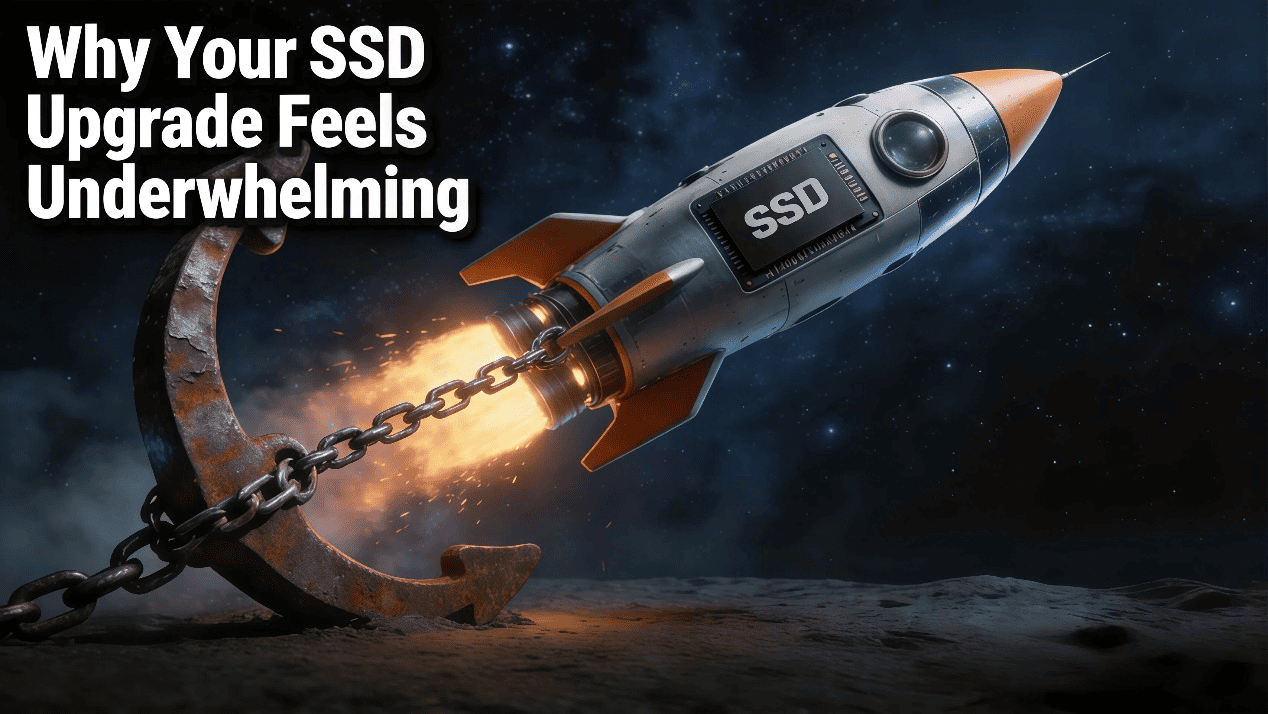
At first glance, upgrading to an SSD should make any computer feel instantly faster. Boot times improve, applications open quicker, and file transfers accelerate. However, many users still ask the same question: “Why does my computer still feel slow after upgrading to an SSD?”
To understand this issue clearly, it is important to look beyond the SSD alone. In reality, overall system speed depends on how storage, memory, and the processor work together. Therefore, while an SSD upgrade is important, it is only one part of a larger performance chain.
Before Blaming the SSD: Common Performance Misunderstandings
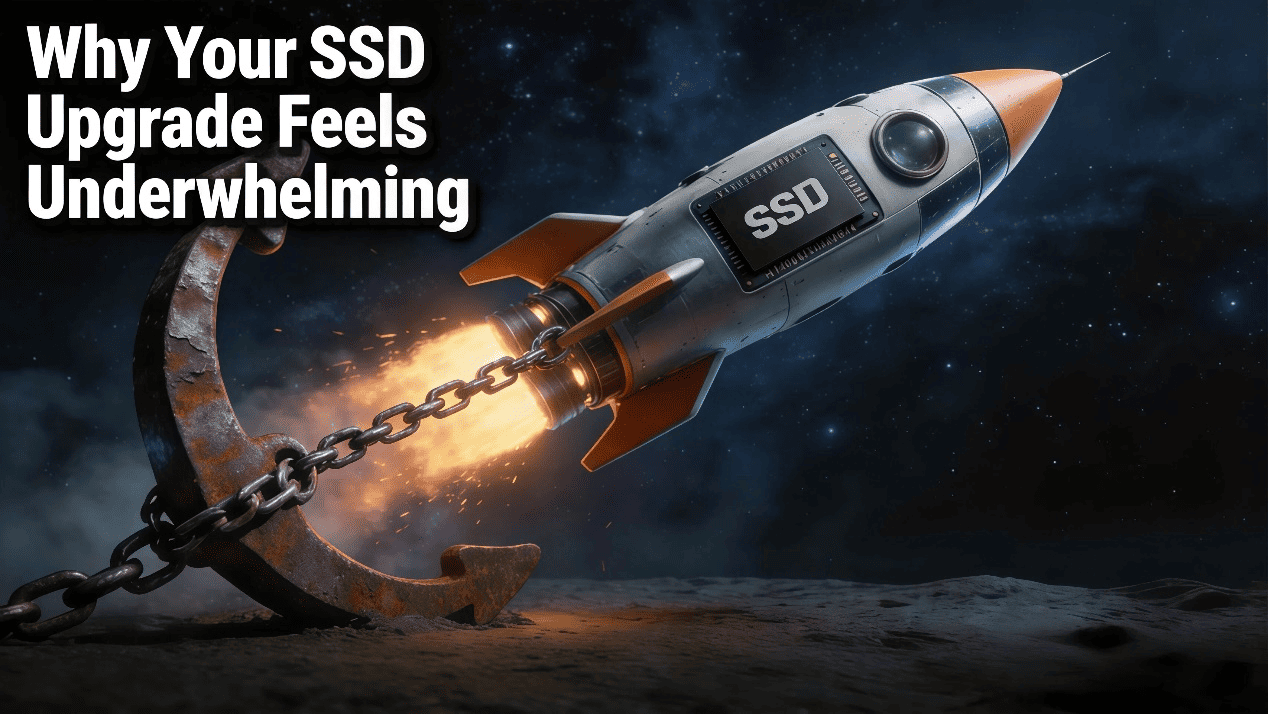
Many people assume that faster storage automatically fixes all performance issues. In fact, this is not always true.
While SSDs greatly reduce data access time compared to traditional hard drives, they do not replace system memory or processing power. As a result, if other components are limiting performance, the benefits of an SSD may feel less noticeable. Understanding this interaction is the first step toward realistic performance expectations.
SSD vs RAM: Different Roles, Different Speeds
SSD (Solid State Drive) and RAM (Random Access Memory, commonly referred to as "memory") are two core storage components in a computer system. They have essential differences in capacity characteristics, data persistence, and functional positioning, as detailed below with authoritative references:
Capacity: Scale Difference Between Short-Term and Long-Term Storage
The capacity design of RAM and SSD fully serves their core functions, presenting the opposing characteristics of "small capacity, high-frequency access" (RAM) and "large capacity, long-term storage" (SSD):
RAM Capacity
Consumer-grade RAM primarily ranges from 4GB to 64GB (server-grade can be expanded to several TB, but is limited by motherboard slots, with a maximum of 128GB per stick). Its capacity is only sufficient for short-term data processing.
SSD Capacity
SSD capacities cover 128GB to 8TB (enterprise-grade can reach 100TB or more), aiming to meet long-term data storage needs. For instance, a 512GB SSD can store the operating system, commonly used software, and thousands of photos, while a 2TB SSD can accommodate large games, 4K videos, and other high-capacity files.
RAM is a "short-term memory" that is easily accessible but fleeting; SSD is a "long-term memory" that is durably stored and enduring.
Functional Positioning: Division of Labor Between Operational Assistance and Data Storage
RAM and SSD have completely separate functions, corresponding to "temporary carrier for CPU-processed data" (RAM) and "permanent storage for data" (SSD), respectively:
RAM Function
RAM serves as the "direct data source" for the CPU, with its core role being to temporarily store programs and data being executed, providing fast access for the CPU. For example, when you launch Cyberpunk 2077, the game's installation files (stored in the SSD) are loaded into RAM, and the CPU reads data from RAM for real-time operations (e.g., rendering graphics, processing storyline)—the speed of this process depends on the RAM's read/write speed (DDR5 memory latency is only 14.7 nanoseconds), not the SSD's speed. If RAM capacity is insufficient (e.g., 8GB), the CPU must frequently retrieve data from the SSD ("virtual memory"), leading to multi-tasking lag (e.g., slowdowns when opening browsers, Photoshop, and games simultaneously).
SSD Function
SSD acts as the "permanent repository for data", with its core role being to store the operating system, applications, user files, and other content that needs long-term retention. For example, your Windows 11 system, Office 365 installation package, and treasured movies are all stored in the SSD—when you start the computer, the system is loaded from the SSD into RAM, and the documents you open are first read from the SSD into RAM for processing. The SSD's speed determines the system boot time (e.g., NVMe SSD boots in just 10 seconds), program loading speed (e.g., the time it takes for Photoshop to load large files), and large file transfer speed (e.g., copying a 10GB video to an SSD takes only 15 seconds).
Summary: RAM is the "bridge for operations", connecting the CPU to long-term storage; SSD is the "destination for data", responsible for preserving all content that needs permanent retention.
What Happens When RAM Is Not Enough?
At this point, the real performance issue often becomes clear. When system memory is insufficient, the operating system must rely on the SSD as temporary space. This process is commonly known as paging or swapping.
Although modern SSDs are fast, they are still much slower than RAM. As a result, when the system constantly moves data between RAM and SSD, performance drops. Users may notice lag when switching applications, delays during multitasking, or slower response under heavy workloads.
The Role of System Architecture and Software
In addition to hardware, system architecture and software behavior also influence performance results. Operating systems prioritize frequently used data, cache files in memory, and manage background tasks automatically.
As a result, once an SSD meets a certain performance level, further speed increases deliver diminishing returns in daily use. This is especially true for office work, web browsing, and light content creation, where storage access is not the primary limitation. Therefore, balanced hardware design remains more important than peak storage specifications.
Real-World Use Cases Highlight the Limits
Looking at real usage scenarios further clarifies this issue. For example, replacing a hard drive with an SSD produces a dramatic improvement. However, upgrading from one SSD to a faster SSD often results in smaller gains.
In everyday tasks, users may notice little difference once applications and files already load quickly. This reinforces the idea that system speed is defined by the slowest link in the performance chain, not by storage alone.

Different Users, Different Bottlenecks: Upgrade Needs Optimized by Scenario
Choosing the right SSD upgrade is not just about higher speeds—it’s about how storage and memory work together in real-world workloads. Different user groups experience different bottlenecks, which is why upgrading only an SSD or only RAM often leads to limited performance gains.
SSD and RAM Upgrade for Mainstream Consumers and Office Users
For everyday consumers and office users, system responsiveness is typically constrained by memory capacity rather than storage bandwidth. While upgrading from a SATA drive to an NVMe SSD can improve boot times, moving to a higher-end SSD without adjusting memory often delivers diminishing returns.
A balanced and cost-effective solution is pairing a KingSpec NX Series or NE Series PCIe 3.0 NVMe SSD with KingSpec DDR4 memory at 2666 MT/s or 3200 MT/s. This combination ensures that common workloads—such as web browsing, document editing, and multitasking—remain memory-resident, reducing reliance on virtual memory and unnecessary SSD read/write activity.
Gaming PC SSD and DDR5 Memory Upgrade Recommendations
For gaming PCs, storage performance matters—but only when supported by adequate memory bandwidth. Modern games rely heavily on RAM for texture streaming, asset caching, and real-time data access. Upgrading only the SSD may shorten initial loading screens, but it rarely solves in-game stutter or texture pop-in.
A more effective gaming upgrade path combines the KingSpec OneBoom X400 PCIe 4.0 SSD, or for high-end systems, the OneBoom X500 PCIe 5.0 SSD, with dual-channel OneBoom 16GB RGB DDR5 memory running at 6000 MT/s or 6400 MT/s. This setup improves both data delivery speed and in-memory processing, allowing games to fully utilize high-speed NVMe storage.
High-Capacity NVMe SSD and DDR5 RAM for Content Creators
For content creators, including video editors, designers, and advanced users, performance depends on sustained throughput and capacity rather than peak speed alone. Large project files, high-resolution media, and cache-heavy workflows place continuous demands on both storage and memory.
An effective creator-focused upgrade pairs the KingSpec XG7000 8TB PCIe 4.0 SSD with dual-channel KingSpec DDR5 memory at 6800 MT/s using 32GB modules. This configuration provides the storage capacity required for large datasets while maintaining the memory bandwidth needed for smooth previews, fast scrubbing, and efficient rendering.
In creator workflows, upgrading only the SSD often shifts the bottleneck to memory, while upgrading only RAM leaves file loading and export times unchanged. Coordinated upgrades eliminate this imbalance, delivering consistent, measurable productivity gains—an important consideration for users searching for best SSD for video editing or high-capacity NVMe SSD for creators.
Conclusion: Balanced Upgrades Deliver Real Performance
In conclusion, replacing only the SSD rarely delivers linear performance improvement because system speed depends on cooperation between storage, memory, and the processor. SSDs improve access speed, but they cannot replace sufficient RAM or CPU capacity.
For users seeking meaningful and lasting performance gains, a balanced upgrade strategy is essential. By aligning SSD performance with adequate memory and processing power, systems can deliver smoother operation, better multitasking, and a more responsive experience overall.